
Plan trips, then prove you sailed them
One place to prepare, record, and review every leg. Routes and notes stay connected to maintenance and logbook history.
What passage planning looks like in Nautog
Trip structure
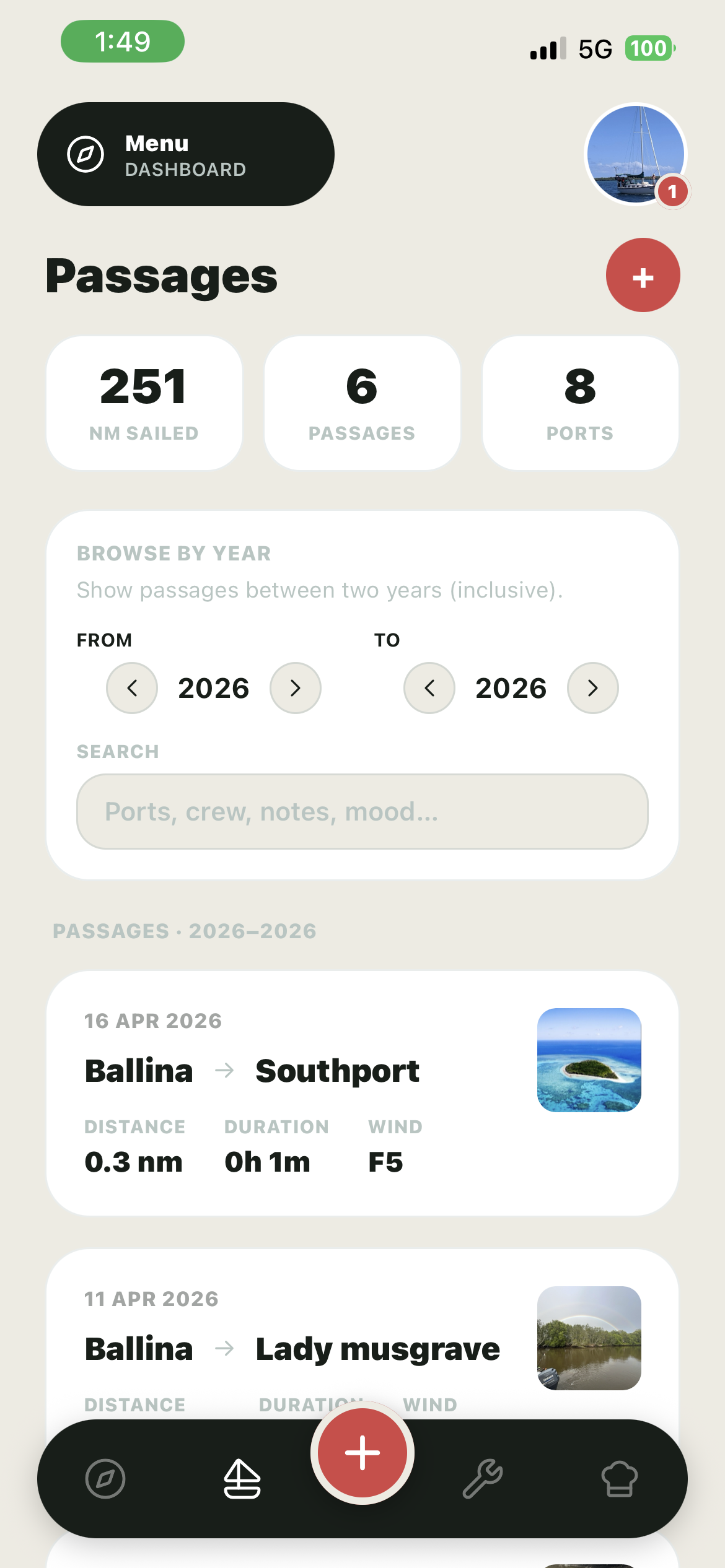
Record from departure to arrival with the details you need for debriefs, crew changeovers, and seasonal reviews.
GPS when you use it
Store GPS track data for recorded passages so your digital trace matches the story in your notes.
Media references
Attach photo and video links for context, handy when you are comparing seasons or sharing with family.

Passages that sit next to maintenance and costs
Nautog is not a standalone chart plotter replacement; it is your operational memory. See trips alongside work done and money spent so planning the next leg is faster.
Free to learn, Pro to cruise hard
Free accounts include up to 10 passages. Pro expands history up to 500 passages and unlocks GPS map replay in passage detail, ideal when you are logging serious mileage.

Record trips with GPS and context
What you get
Up to 10 passages with full recording workflows, enough to validate Nautog on coastal hops.
Up to 500 passages plus GPS map replay in passage detail for long-distance and repeat cruisers.
Plan your next passage in Nautog
Sign up free, log a trip, and upgrade when you need deeper history and map replay.